Grafit App — Idea to Award-Winning Startup
How a class project became Grafit, an AI-powered wardrobe app that earned an honorable mention at Startup Point 2025.
Oct 22, 2025
5 min read
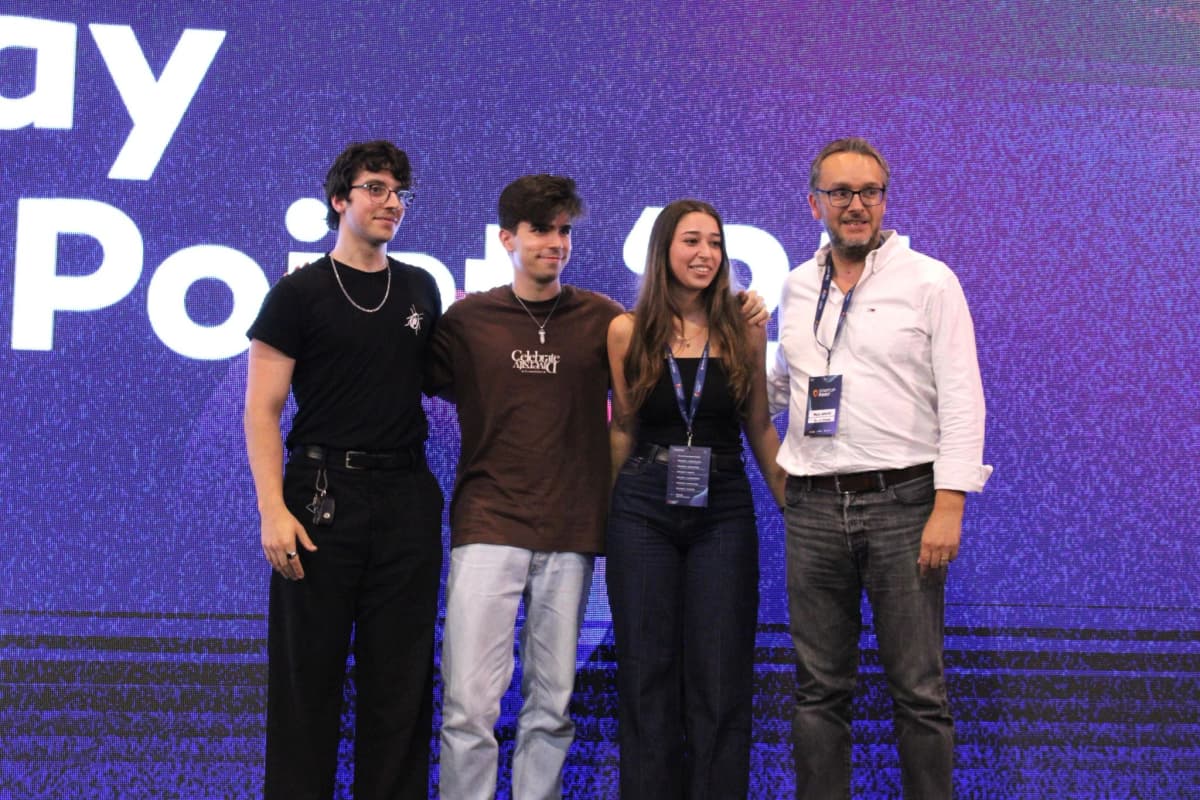
Co-built with  Carlos Ribeiro ↗,
  Lara Regina ↗ and
  Júlio Pinto ↗, Grafit is a mobile app for your wardrobe: manage and share your daily outfits, find inspiration in what others wear, and discover new pieces and brands along the way. The best part? Snap a picture of your fit, and our AI-powered GrafitEye recognizes and catalogs every item in it for you.
After months of hard work, we pitched Grafit at Startup Point 2025 ↗ and walked away with an honorable mention. The app is still in development, and we can't wait to share it with the world!
Origins
It all started in a classroom. In the final year of our Software Engineering Master's, an Entrepreneurship and Innovation course challenged us to come up with a startup idea and build a prototype. A wardrobe app had been floating around Carlos's mind for a while, and this was the perfect excuse to bring it to life. Between us, we had development, design and business strategy covered, so we set out to build something fun.
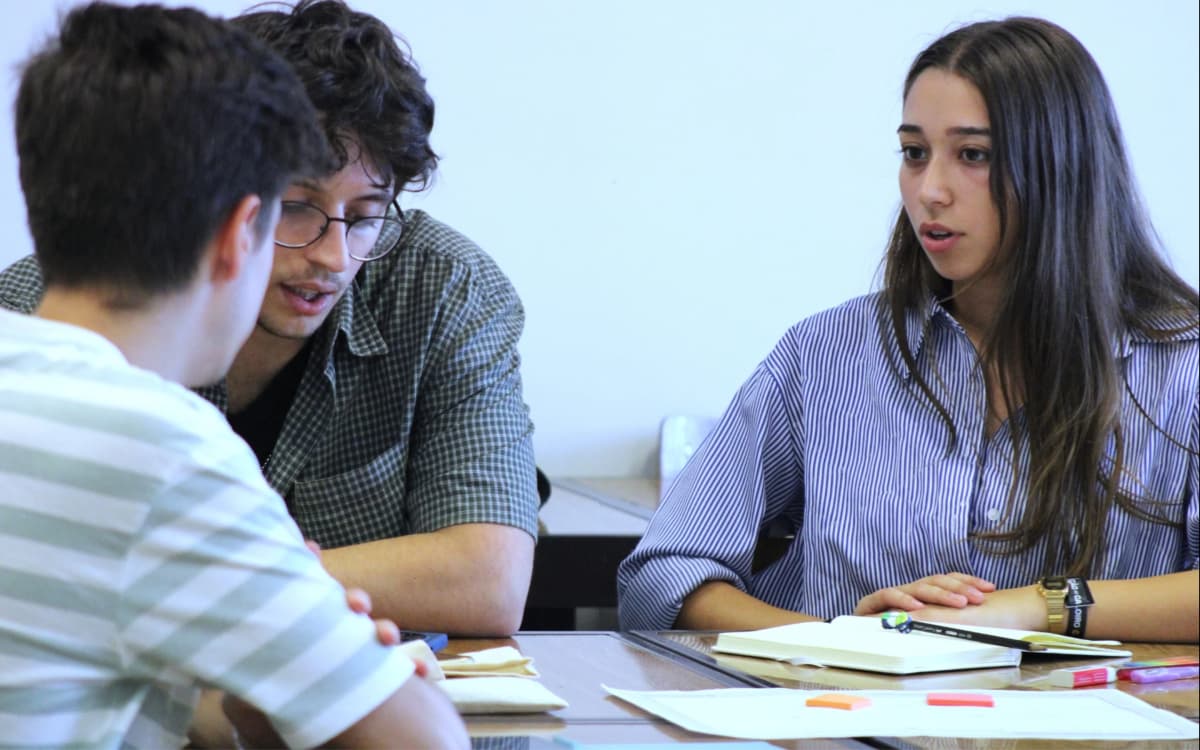
The just-for-fun part didn't last long. Through the university's partnership with Startup Braga, we joined the Startup Point ↗ competition, which gave us mentorship, resources, exposure to industry experts, and bootcamps on everything from product strategy and business design to pitching and growth.
- teams competing
- 12
- bootcamps
- 6
- honorable mention
- 1
The Graph
Grids are everywhere, and we wanted Grafit to feel different. So instead of scrolling, you explore: outfits live on an infinite canvas that you can wander in any direction. The idea is that outfits with a similar vibe sit close together, so the further you drift from where you started, the more new styles and niches you discover.
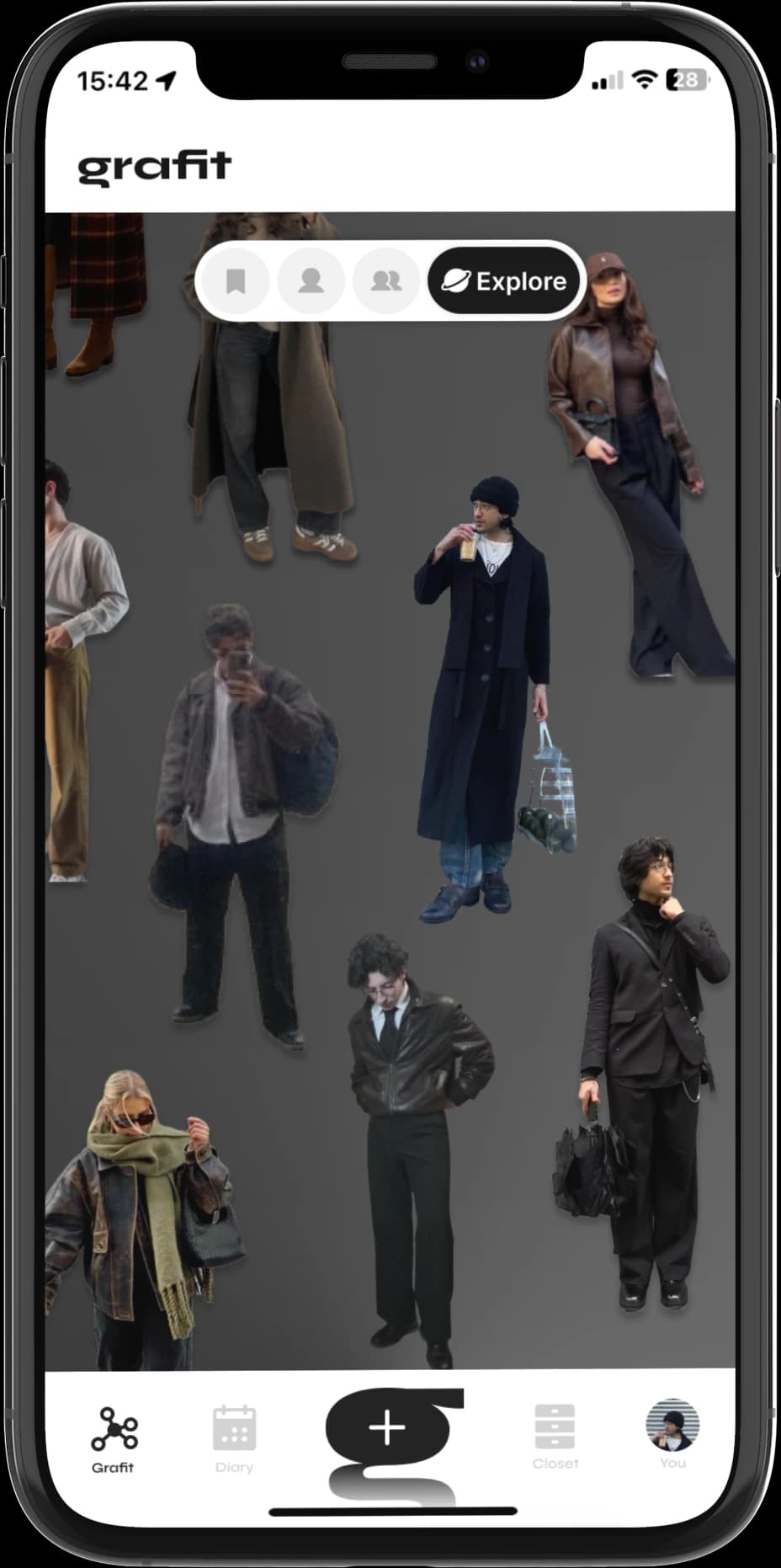
Bringing together the graph and the outfit, this idea is also what gave the app its name:
The Outfit
Most wardrobe apps show an outfit as a collage of items. We wanted ours to be immersive, with the photo front and center and its background removed as soon as it's added, so all the focus goes to the outfit itself.
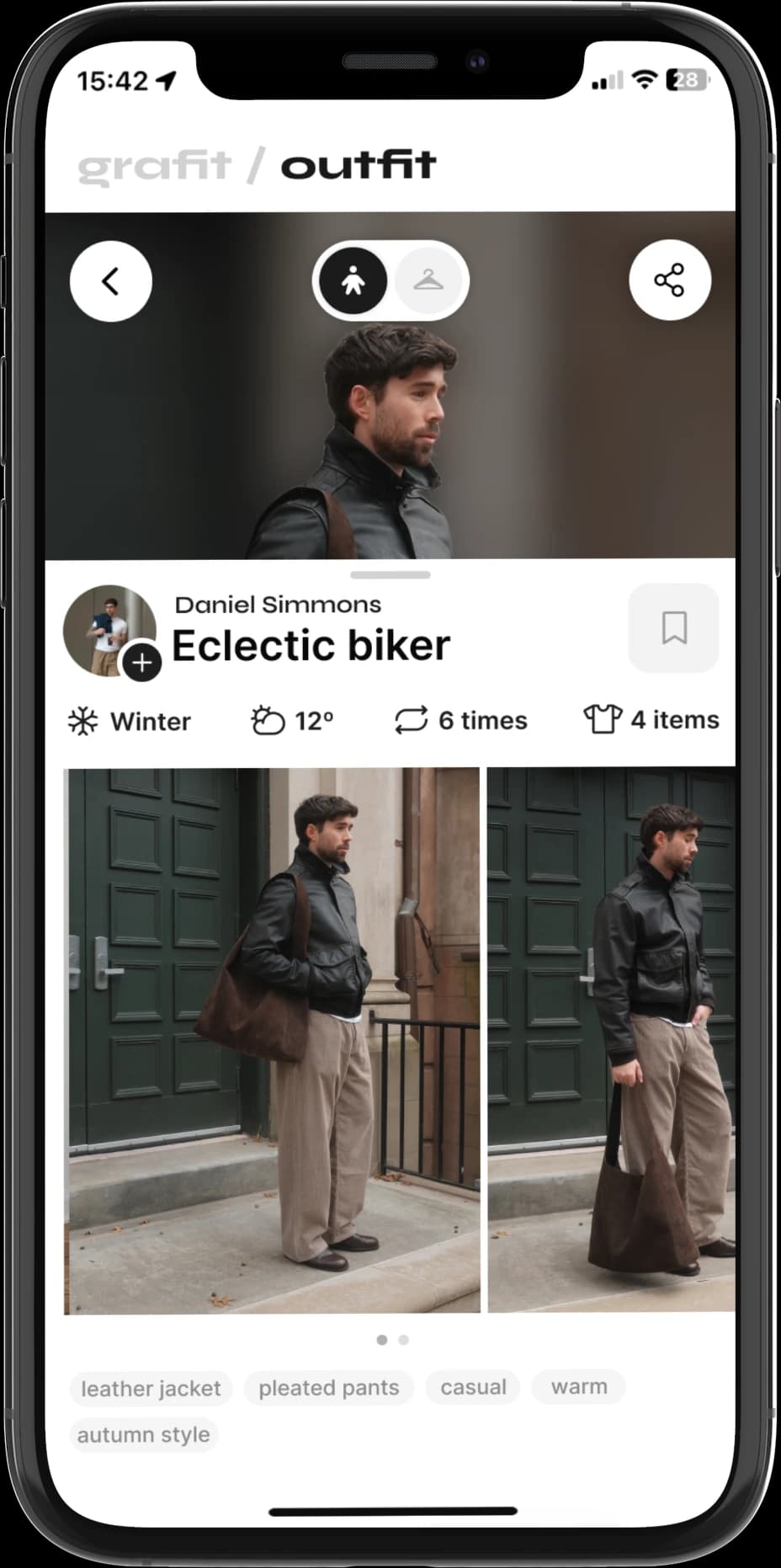
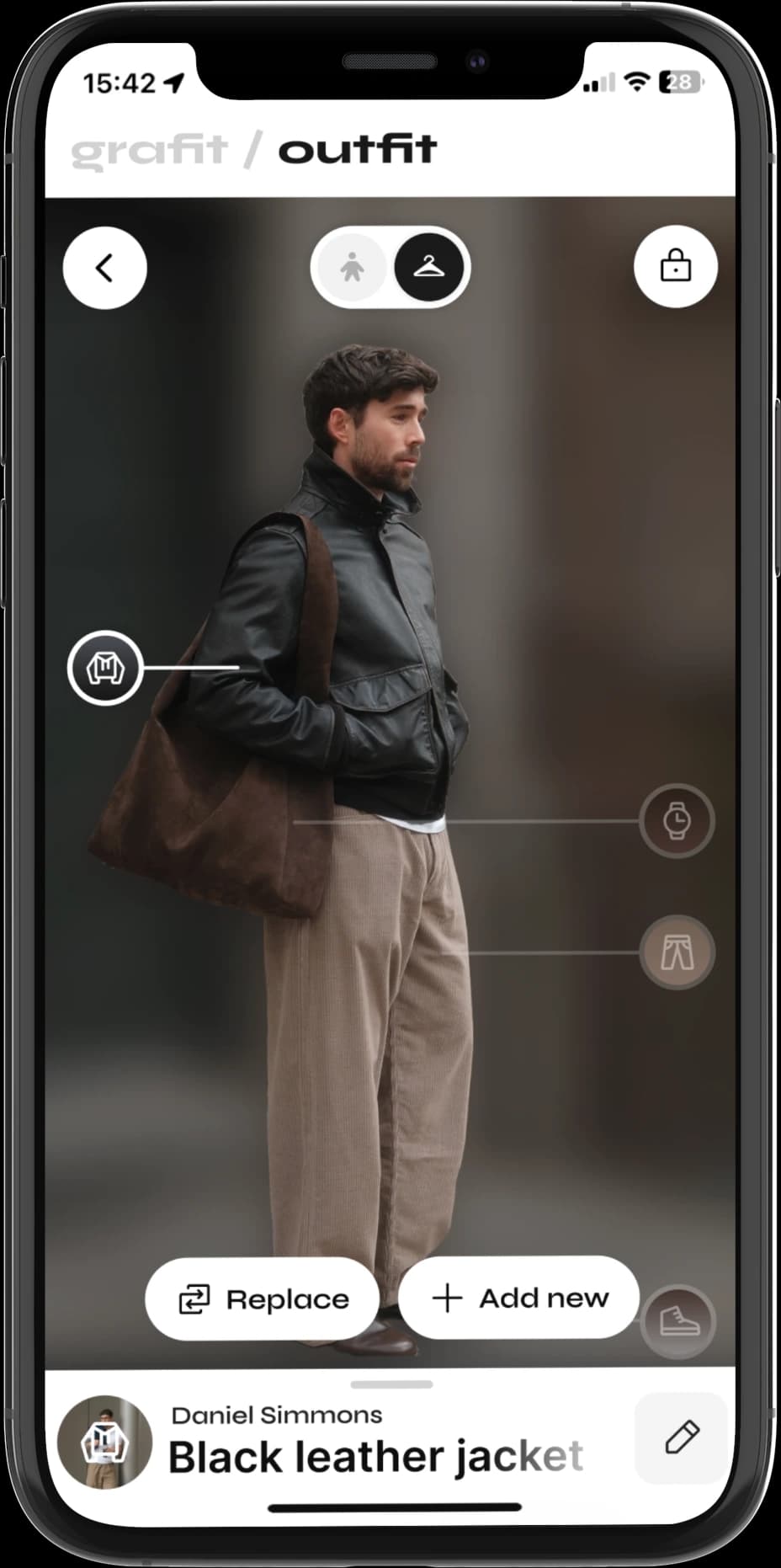
From there, everything is a gesture away:
The Diary
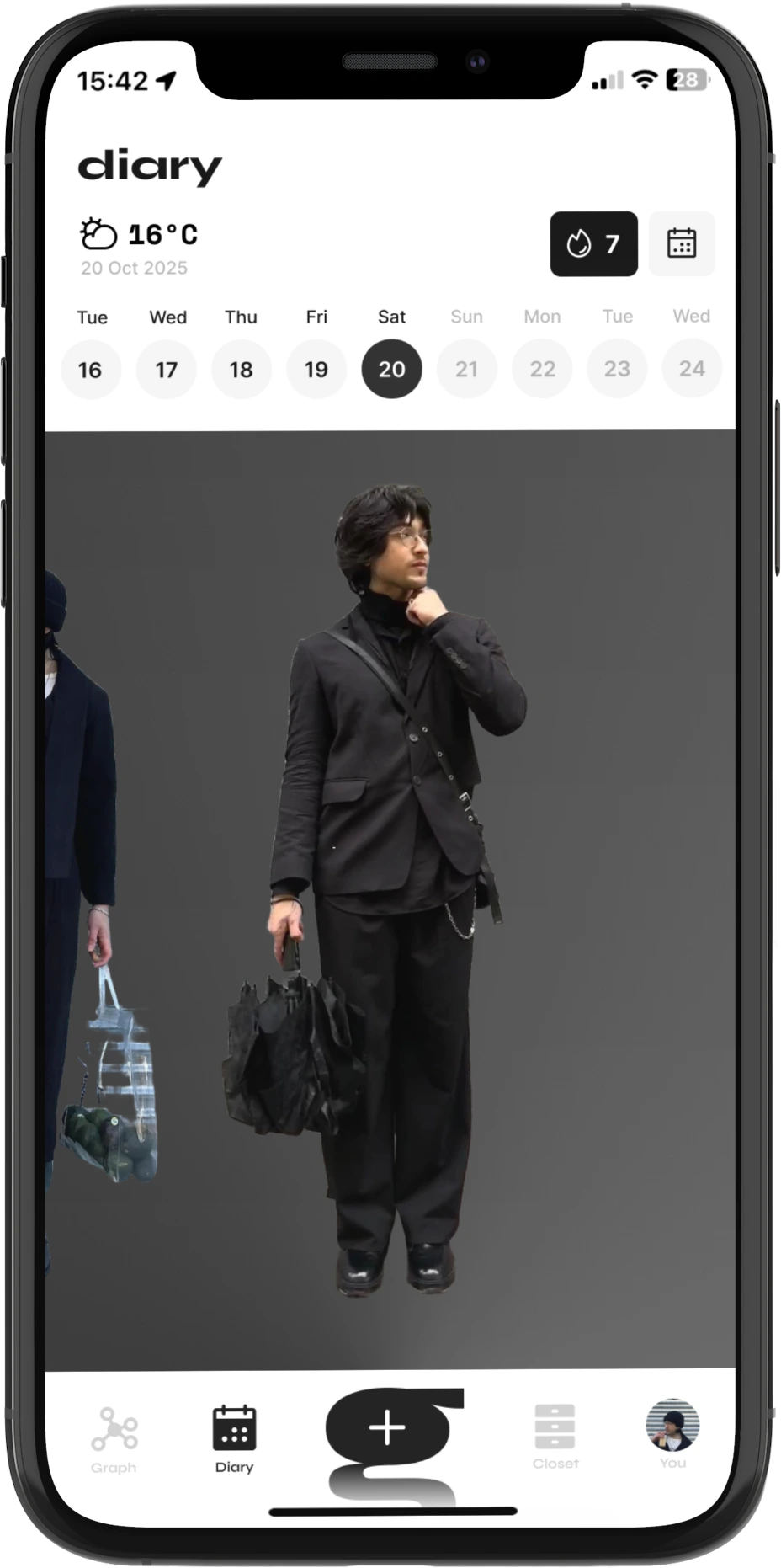
The diary is Grafit's memory. It keeps a chronological record of every outfit you've worn, so you can look back at any day, see how your style has evolved, or remember what you wore to that special occasion.
Tech Stack
App
- Capacitor
- Next.js
- React
- TypeScript
- SQLite
With a deadline and no mobile experience between us, Capacitor.js ↗ was an easy pick. As the main frontend developer, it let me build with the web stack I already knew, while still reaching native features like the camera, the file system and haptics.
Grafit is a tool first and a social app second, so it works fully offline, with everything stored on the device. Smart features and weather catch up once you're back online, all except background removal, which runs on-device with Google's ML Kit ↗ when there's no connection.
Backend
- Express
- TypeScript
- Prisma
- PostgreSQL
- nginx
Since the app owns its data, the backend is mostly a safety net: a copy of everything in the cloud, and the foundation for Grafit's social side. Outfits and items get their IDs on the device, so changes can pile up offline and sync in batches as soon as there's a connection. Users sign in with Google, and an nginx proxy puts the backend and GrafitEye behind a single API.
GrafitEye
- Python
- FastAPI
- ONNX Runtime
- Gemini
Led by Júlio, GrafitEye is where the magic happens. Every new outfit goes through a few steps:
- Cut outrembg ↗The person is separated from the background, so the outfit view can focus on them.
- SpotFashionFail ↗Each piece of clothing is found and outlined, then sorted into tops, bottoms, outerwear, footwear or accessories.
- PinThe center of each item gives us its color and its exact spot on the photo, and the item is added to the wardrobe.
- ForecastOpen-Meteo ↗The weather at that place and time is attached, even for outfits added offline days before.
- Vibe checkGemini 2.5 FlashSoonThe outfit gets a name and a score for each of its aesthetics, like streetwear or cozy, so the graph can group outfits with a similar vibe.