PictuRAS — Bulk Image Editor
How I helped build an image editor for whole folders of photos, with AI-powered tools and a microservices architecture, and got a 19/20 for it.

Editing one photo is easy. Editing all 200 photos from a family gathering, with the same crop, the same brightness and the same watermark, is a chore. PictuRAS is a web image editor built for exactly that: you set up your edits once, and it applies them to every image in a project.
I helped build it with  Guilherme Barbosa ↗,
 Filipe Rodrigues ↗,
 Juciano Farias ↗ and
 Nuno Gomes ↗ for the Software Requirements and Architectures course of our Master's, in 2024/2025, and it earned us a 19/20. My focus was the frontend: building the web app itself, and making it talk to the microservices behind it.
Editing in Bulk
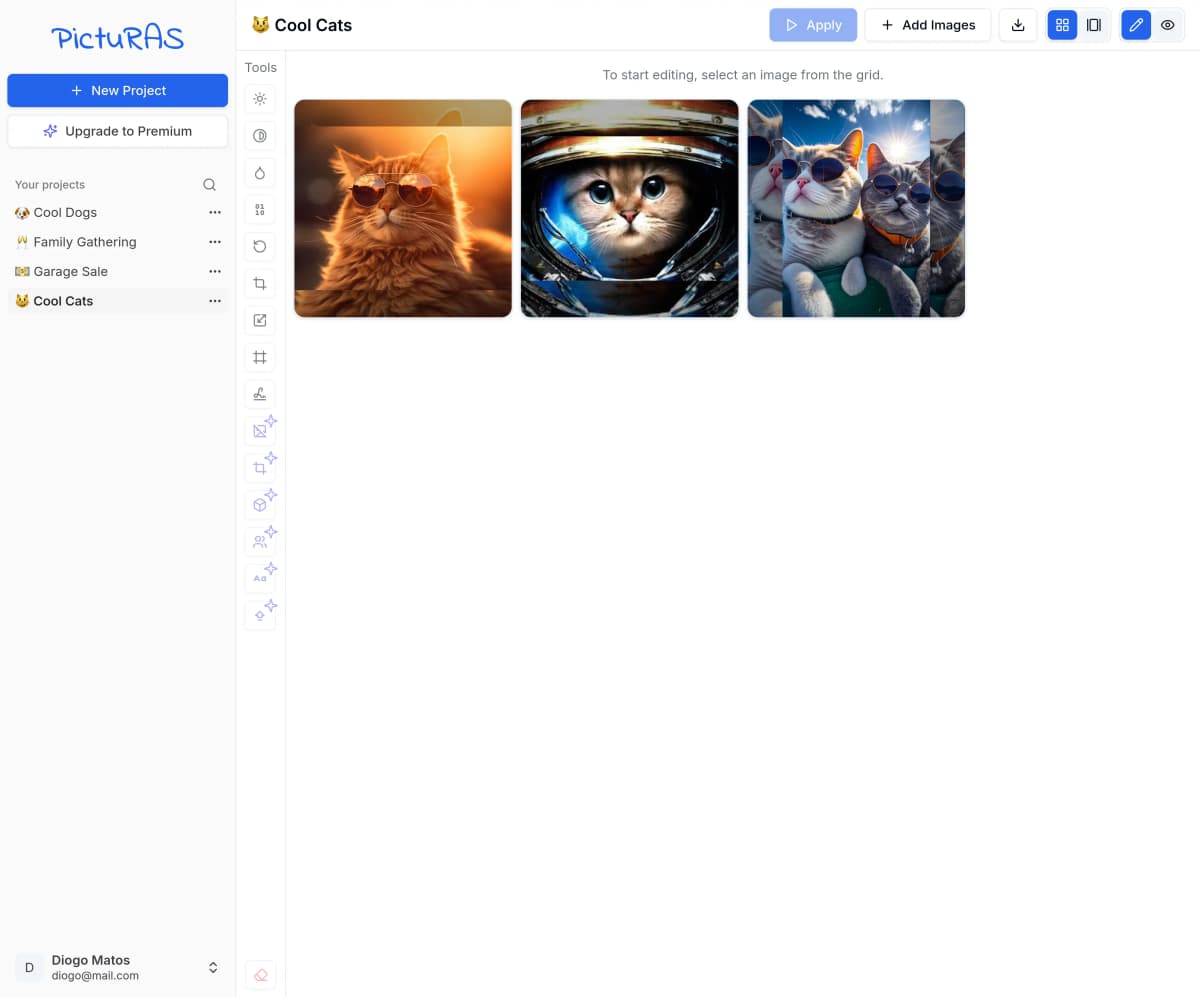
Every project is a set of images, and every edit you make becomes a step in a chain that runs, in order, on each one of them:
- Create a projectGive it a name and drop in your images.
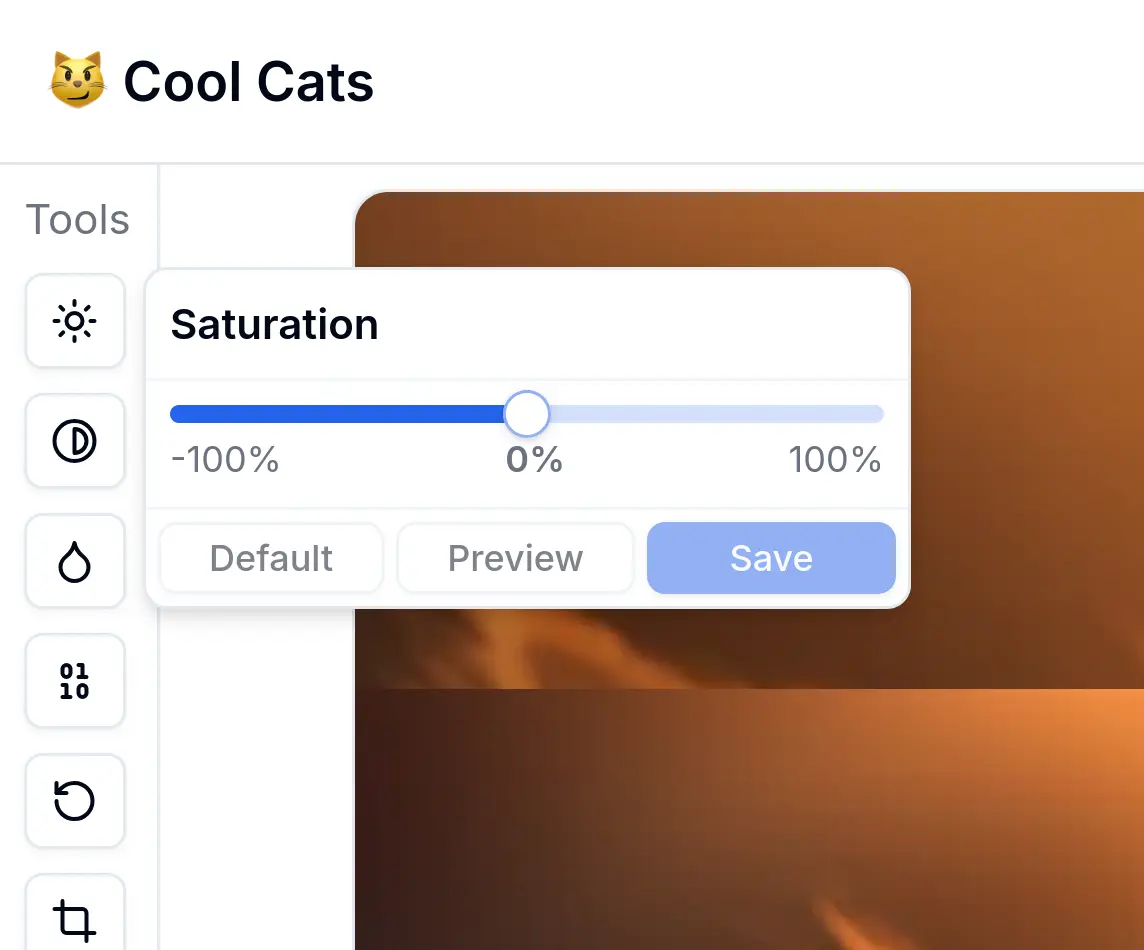
- Chain your toolsPick a tool from the toolbar, adjust it, and it's added to the chain. Add as many as you want.
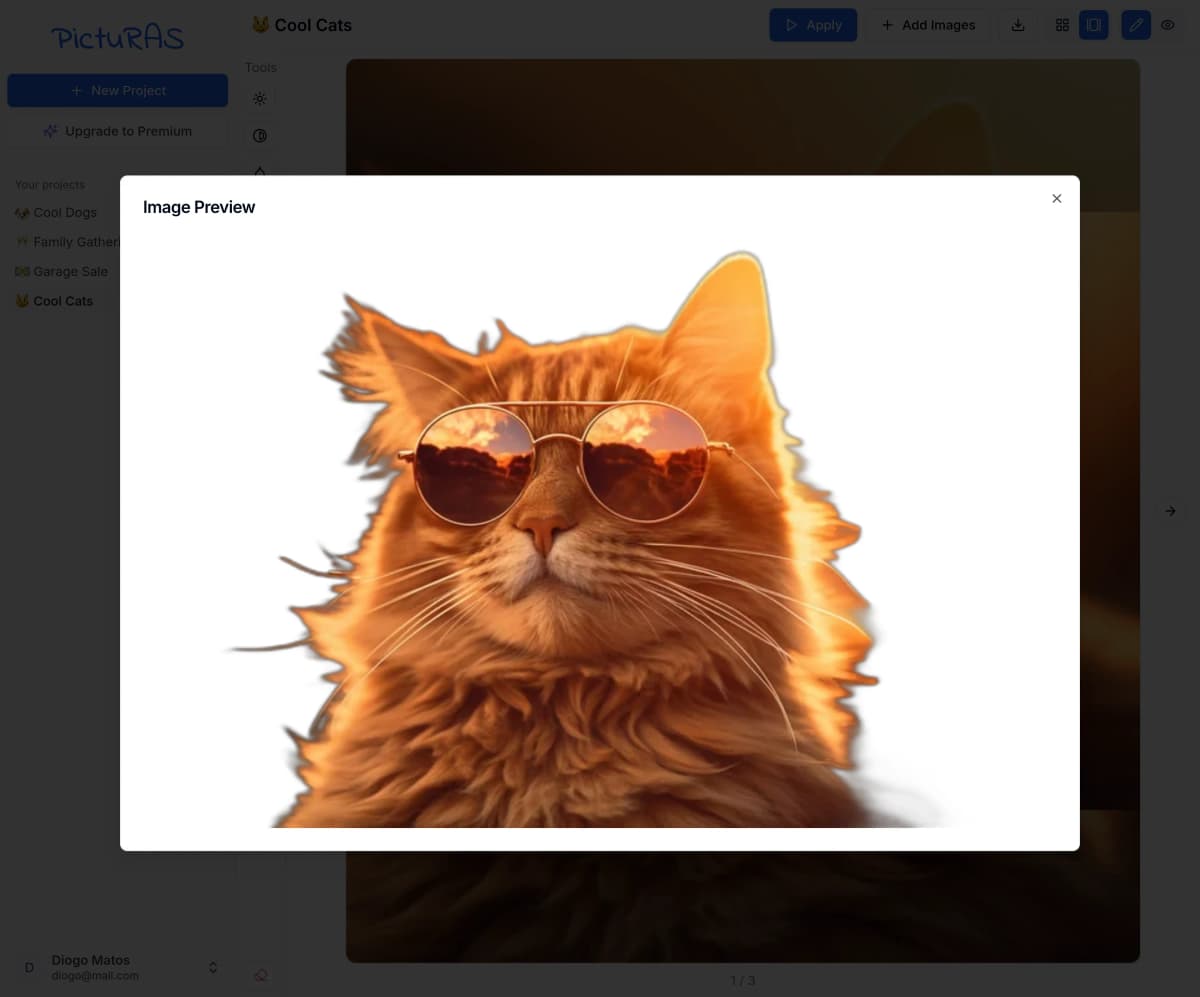
- PreviewSee what the whole chain does to any image before committing to it.
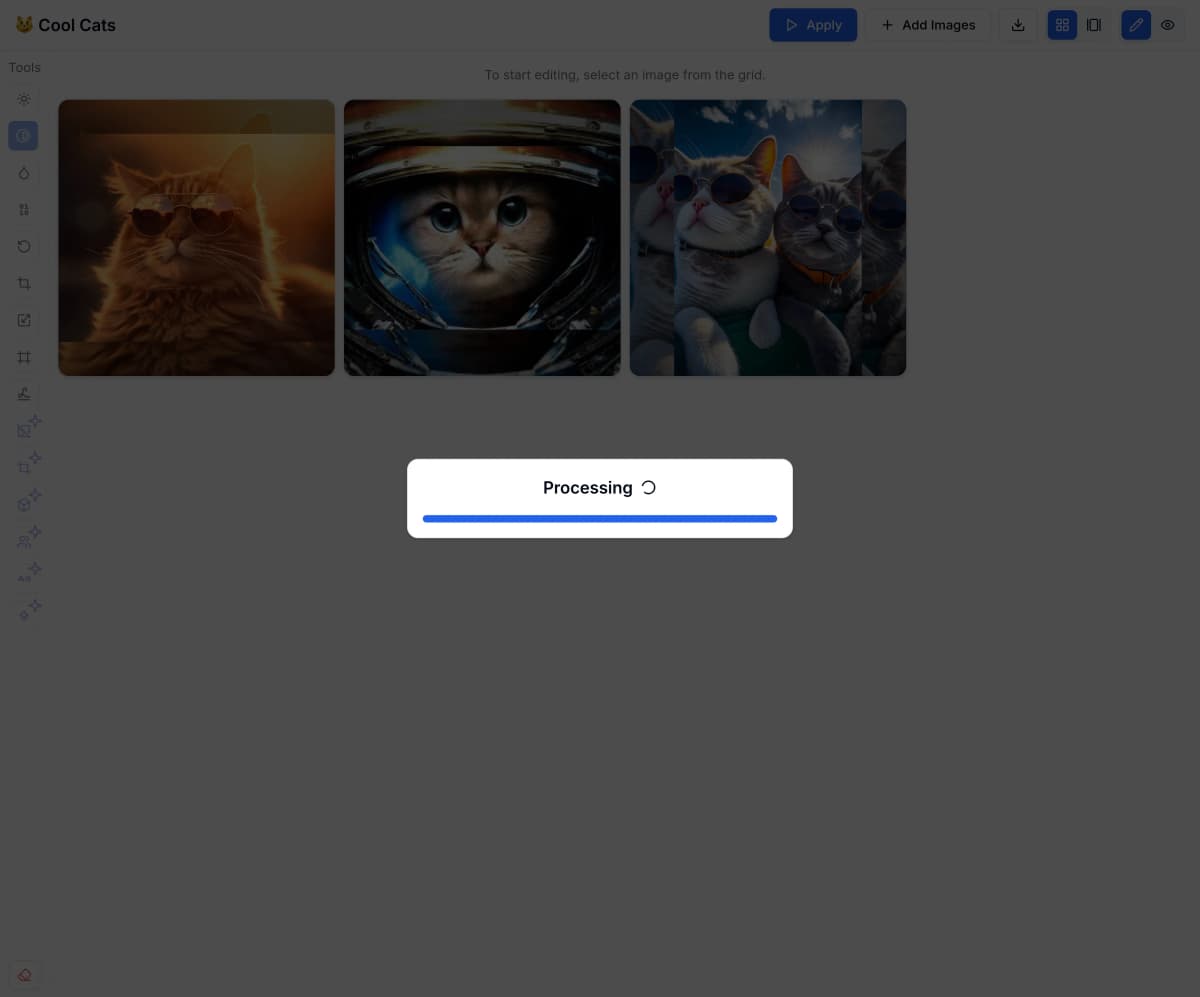
- ApplyRun it on every image at once, with a progress bar that updates live as each one is done.
- DownloadBrowse the results, and download them one by one or all together as a ZIP.
| Adjust | Preview |
|---|---|
 |  |
Once you hit apply, PictuRAS takes care of the rest:
The Toolbox
PictuRAS comes with 15 tools. Nine of them cover the basics:
- Crop
- Resize
- Rotate
- Border
- Brightness
- Contrast
- Saturation
- Black & White
- Watermark
The other six are powered by AI, and marked with a sparkle in the toolbar:
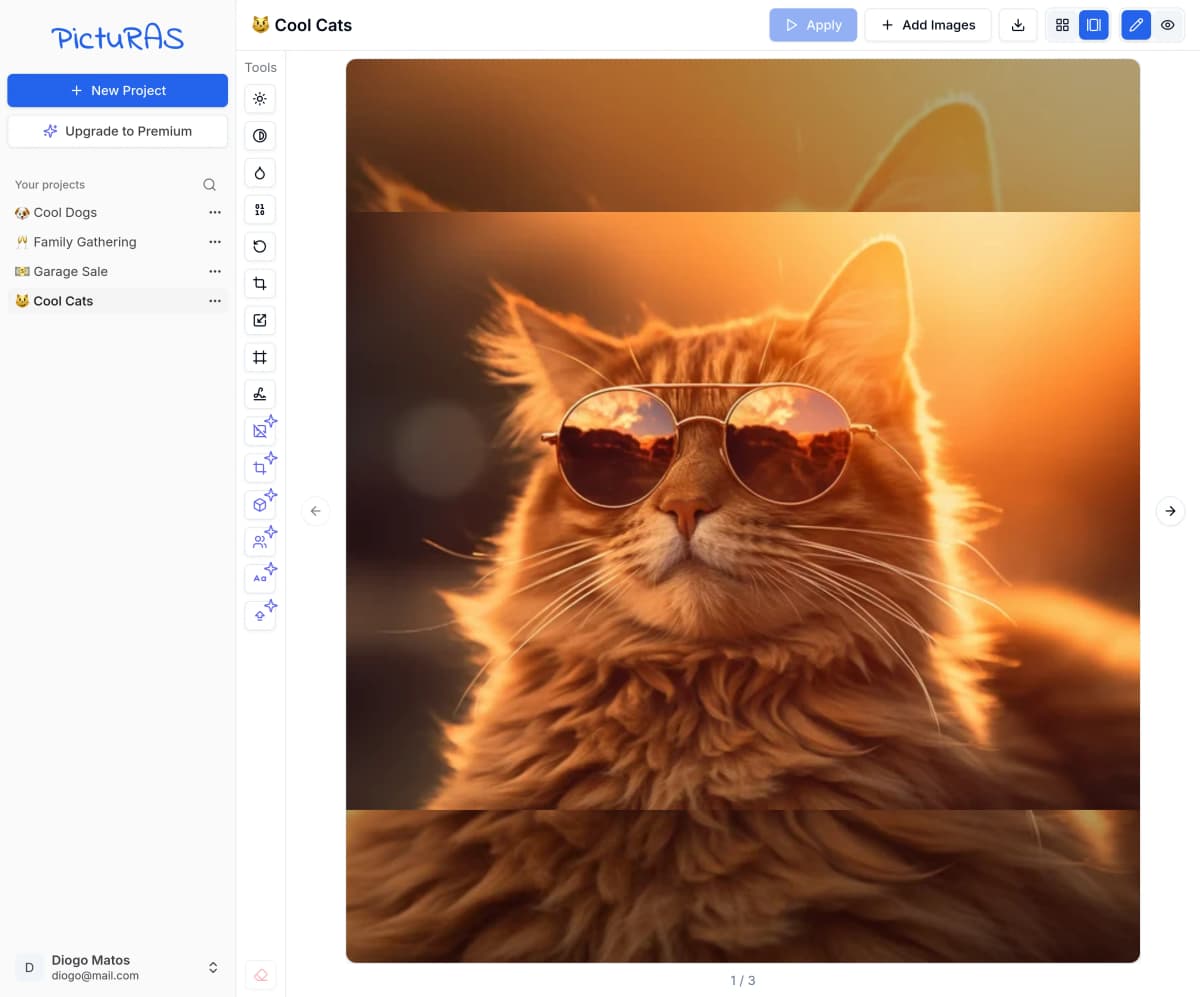
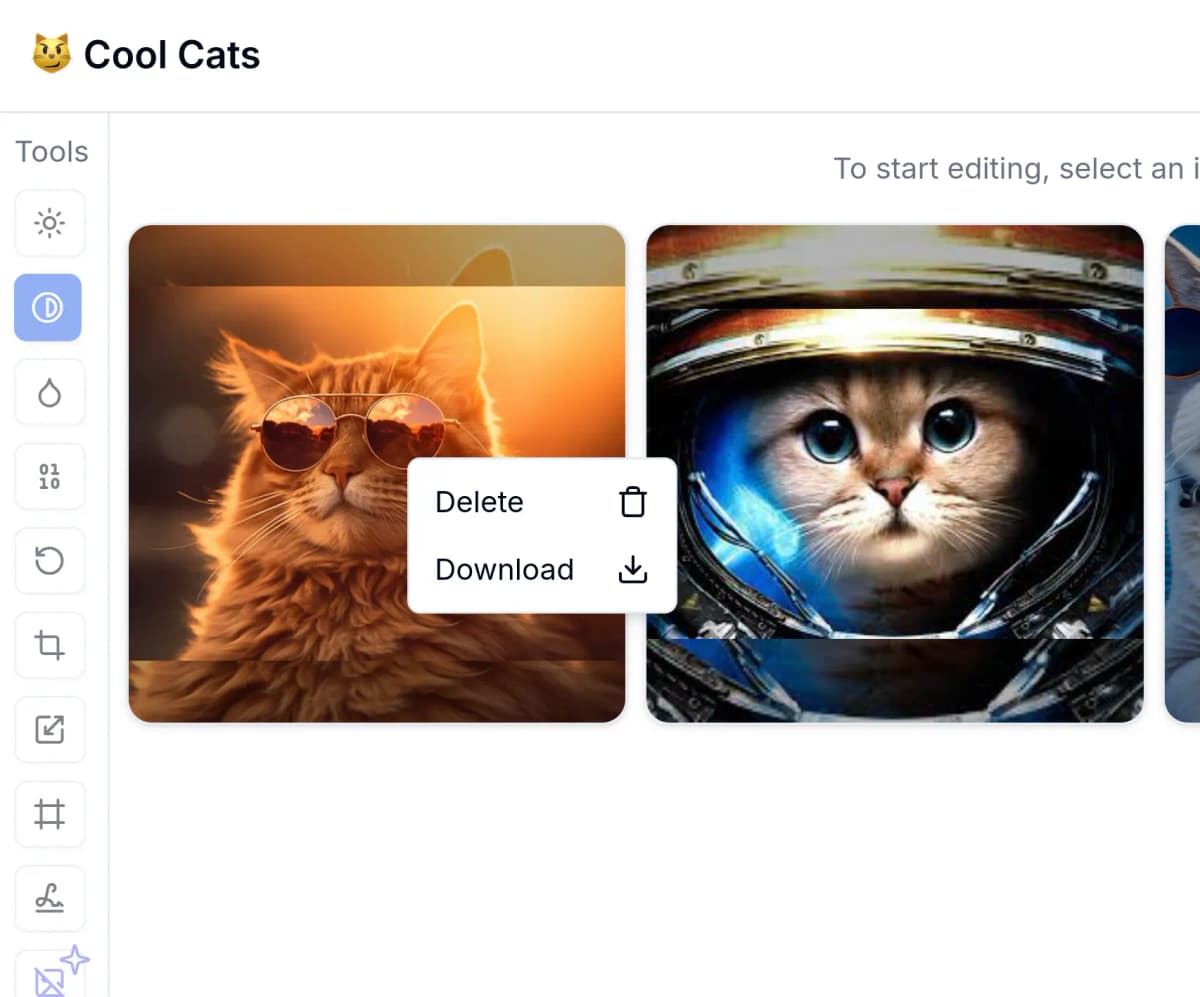
Images can be browsed as a grid or one at a time in a carousel, which also works with swipes, and every image has its own actions a right-click (or a long press) away:
| Carousel | Actions |
|---|---|
 |  |
Plans
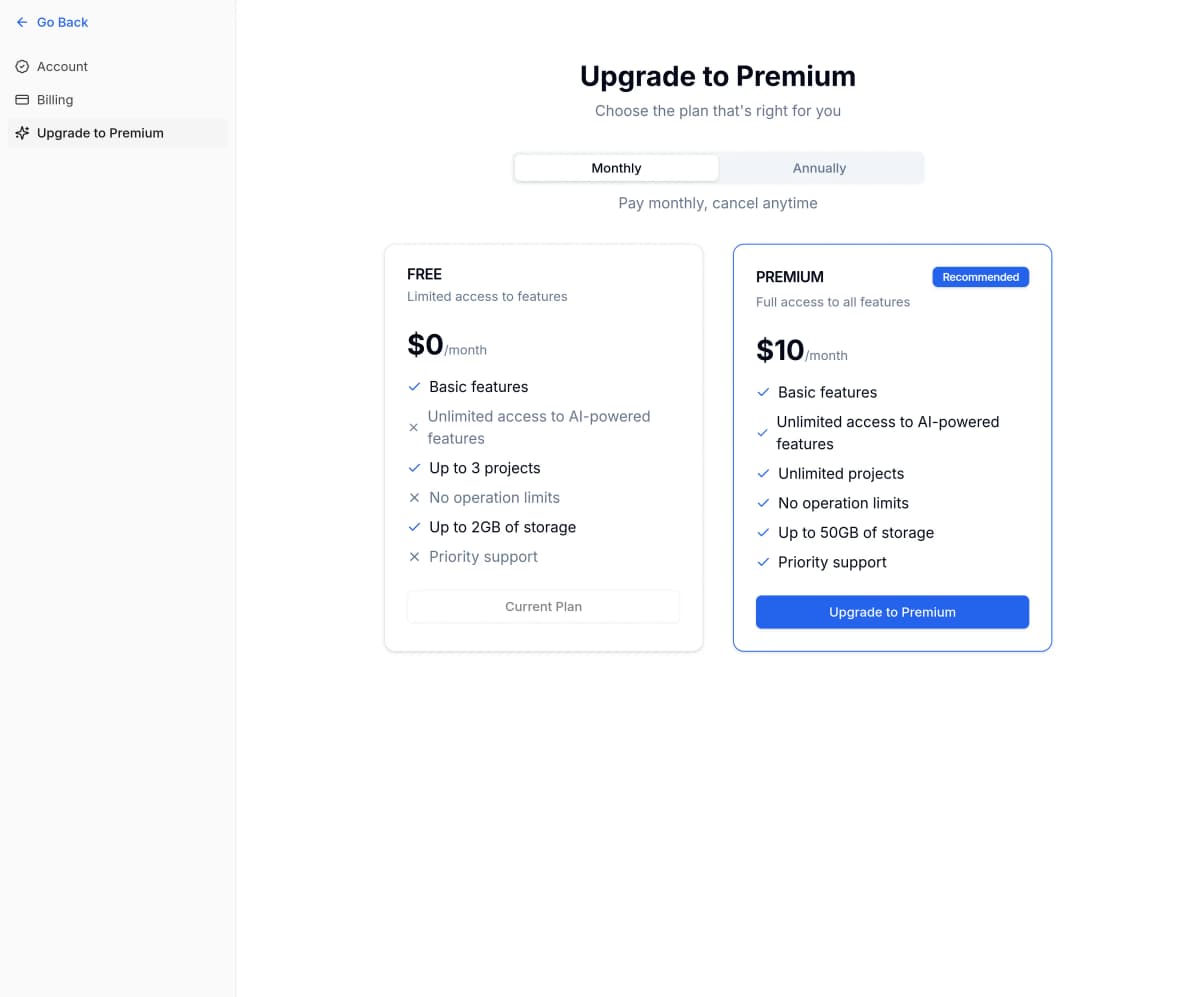
PictuRAS was built as a university project and was never actually launched, so its plans are hypothetical, designed to show how a real product like it could work. There's no real payment involved either, since upgrading just checks the card details' format and switches the account to Premium.
In this scenario, you don't need an account to try PictuRAS: visitors get a temporary session, so they can start editing right away. To keep going, there are two plans:
Under the Hood
- Next.js
- TanStack Query
- Express
- Python
- RabbitMQ
- MongoDB
- MinIO
- Socket.IO
- Docker
PictuRAS is built as microservices. The Next.js frontend talks to an API gateway, which sits in front of separate services for users, projects and subscriptions, each with its own MongoDB database, while the images themselves are stored in MinIO.
Every tool is its own small Python service, listening on a RabbitMQ queue. When a project is applied, each image is sent to the first tool in the chain, and every time a tool finishes, the result is passed on to the next one. Along the way, a WebSocket gateway pushes previews and progress to the browser as soon as they're ready.
On the frontend, which is where I spent most of my time, every request to the API gateway goes through TanStack Query, which keeps projects, images and account details in sync without extra reloads. A Socket.IO connection to the WebSocket gateway listens for those previews and progress updates, so the interface reacts the moment a tool finishes, instead of waiting for the whole chain.
- containers
- 27
- tools
- 15
- AI-powered
- 6
Despite all those moving parts, the whole platform starts with a single docker compose up.